 , proposal 34
Create and evaluate multiple choice exams
, proposal 34
Create and evaluate multiple choice exams
The basic functionality from Version 1 remains the same in Version 2: export formatted relational data in different ways. The more difficult task is implementing a full editor for
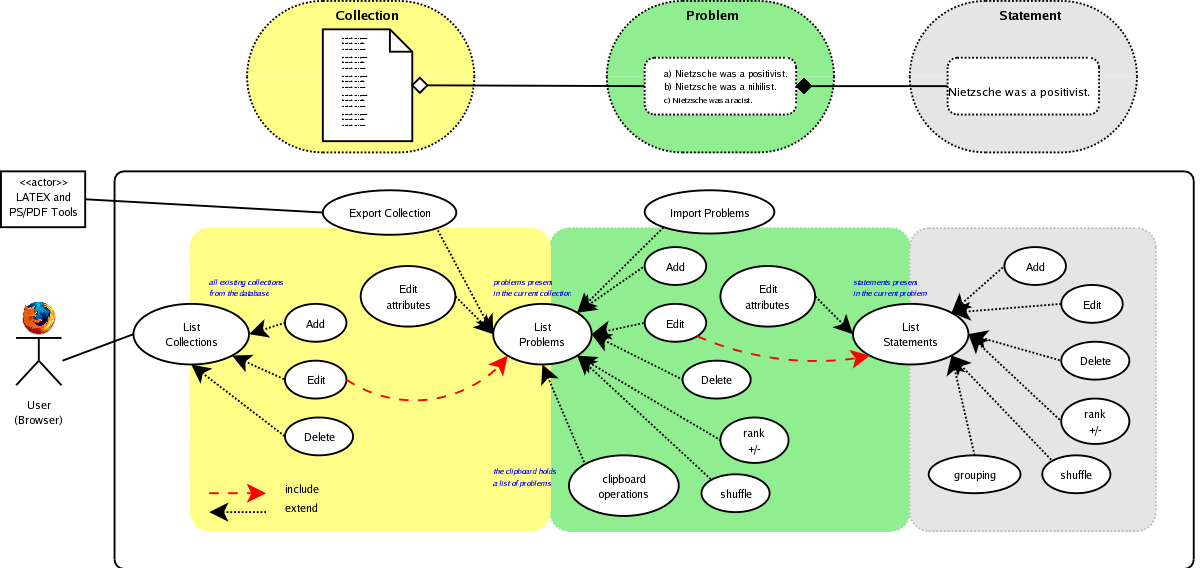
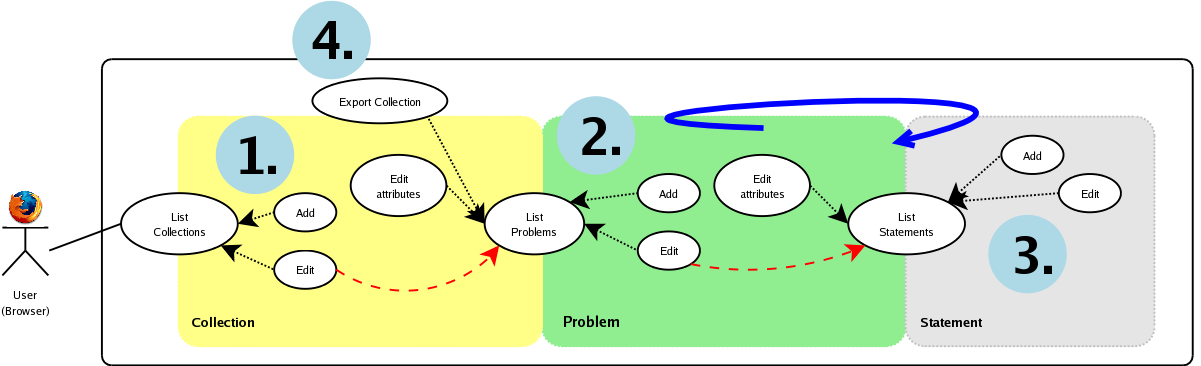
These three entities form the basic concept of the application data structure and are best explained in an use-case diagramme, which shows what you as a user can do with each entity. It also gives the entire view of the editor's functions:
 [D]
[D]
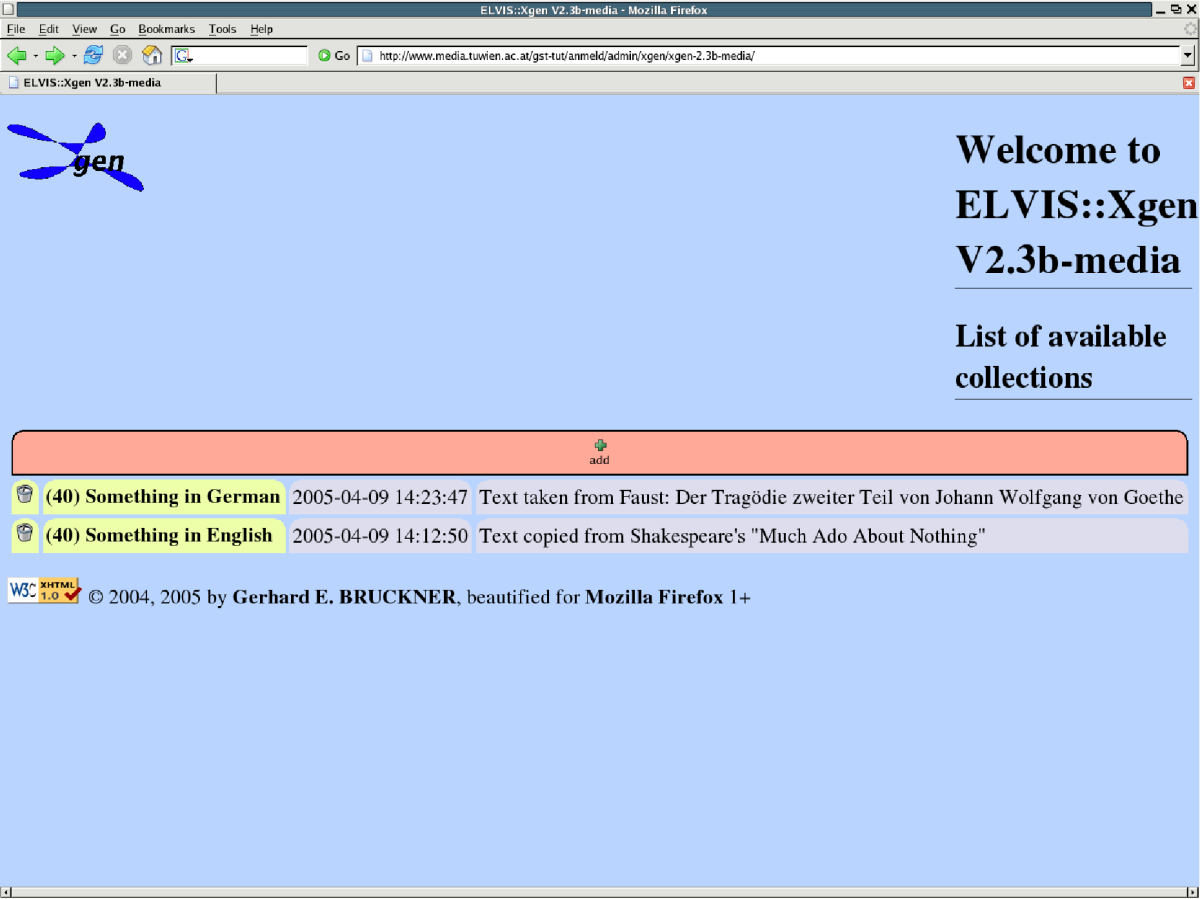
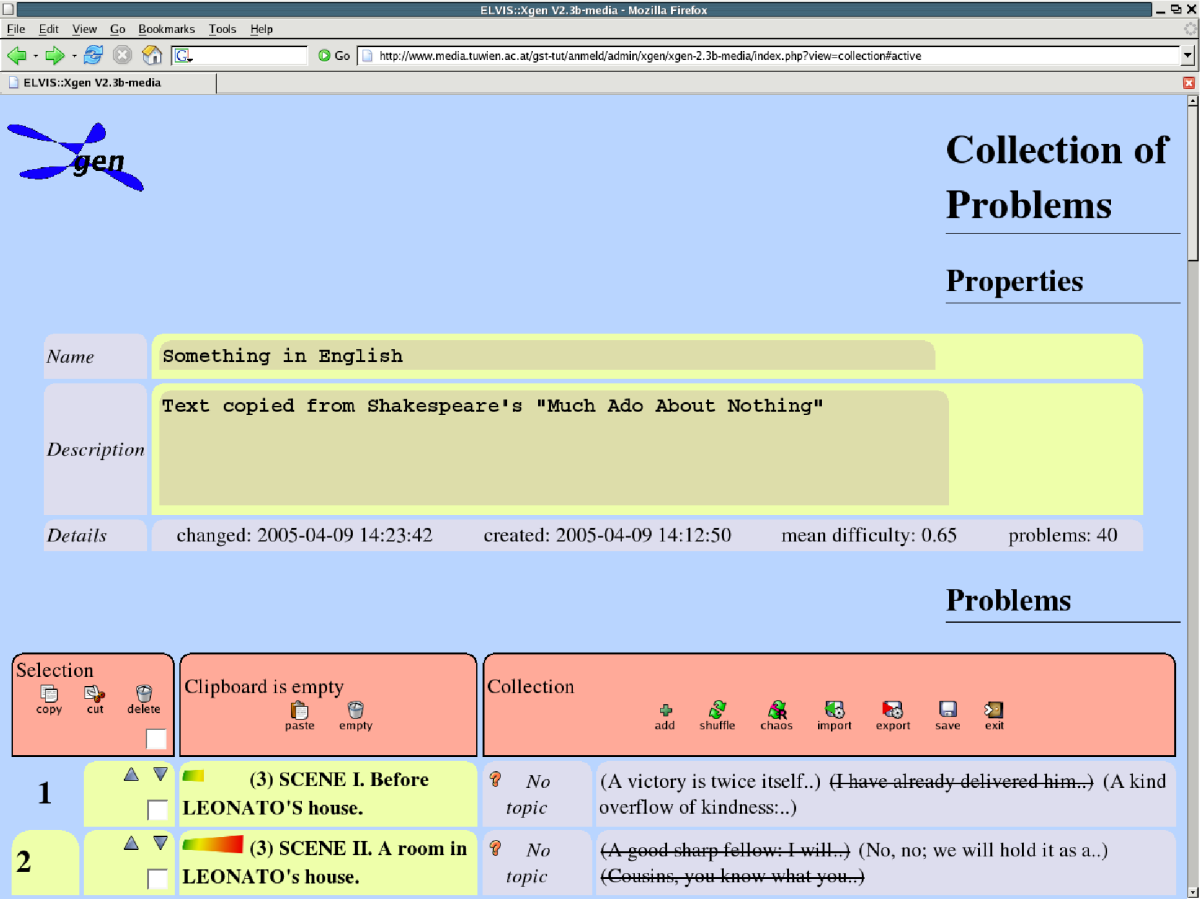
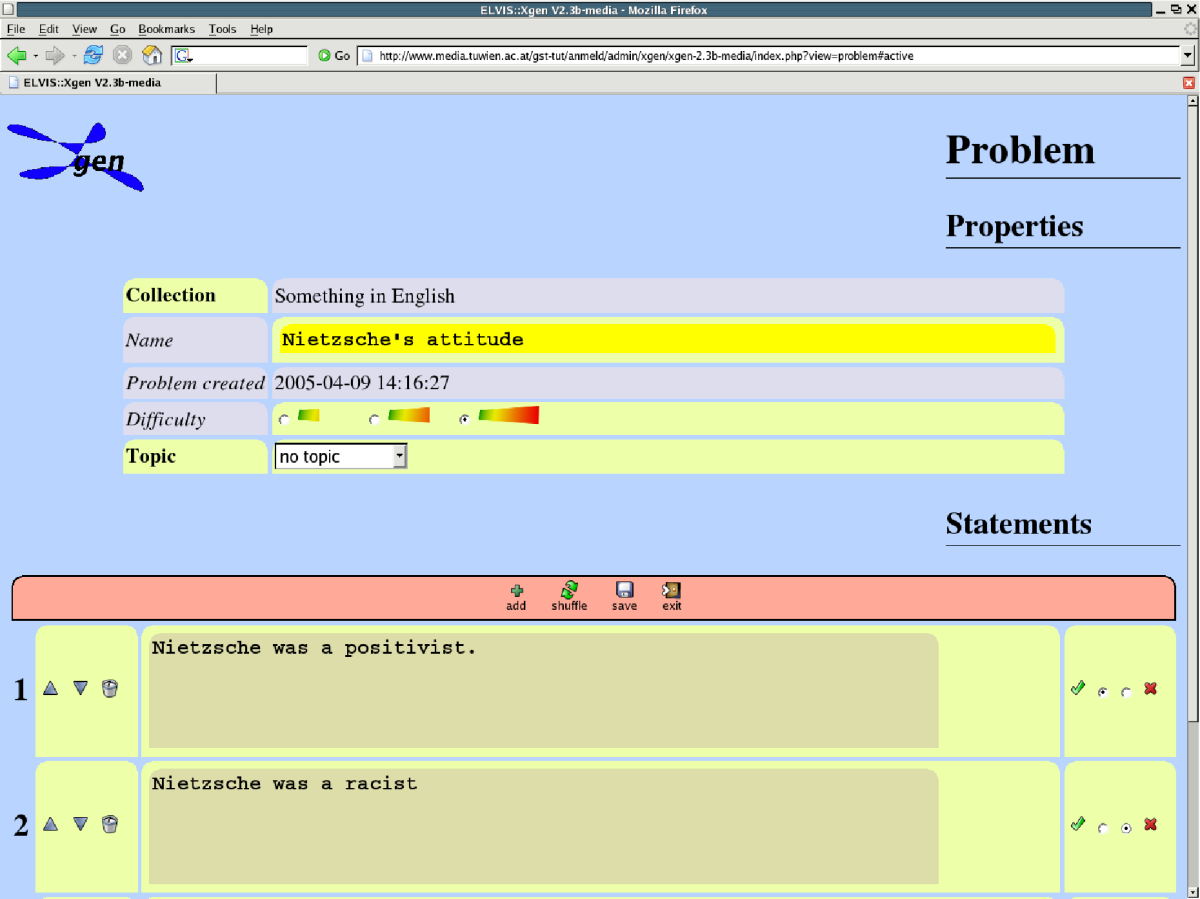
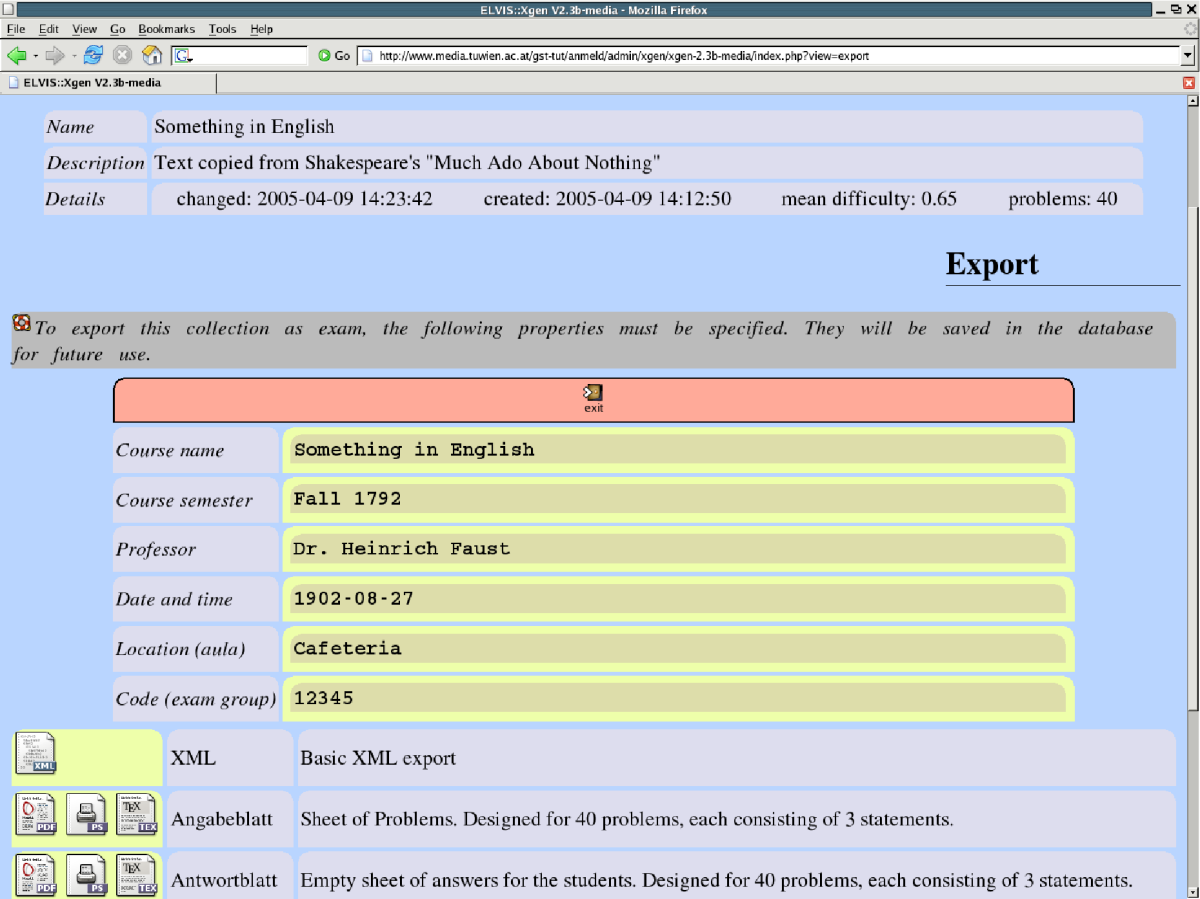
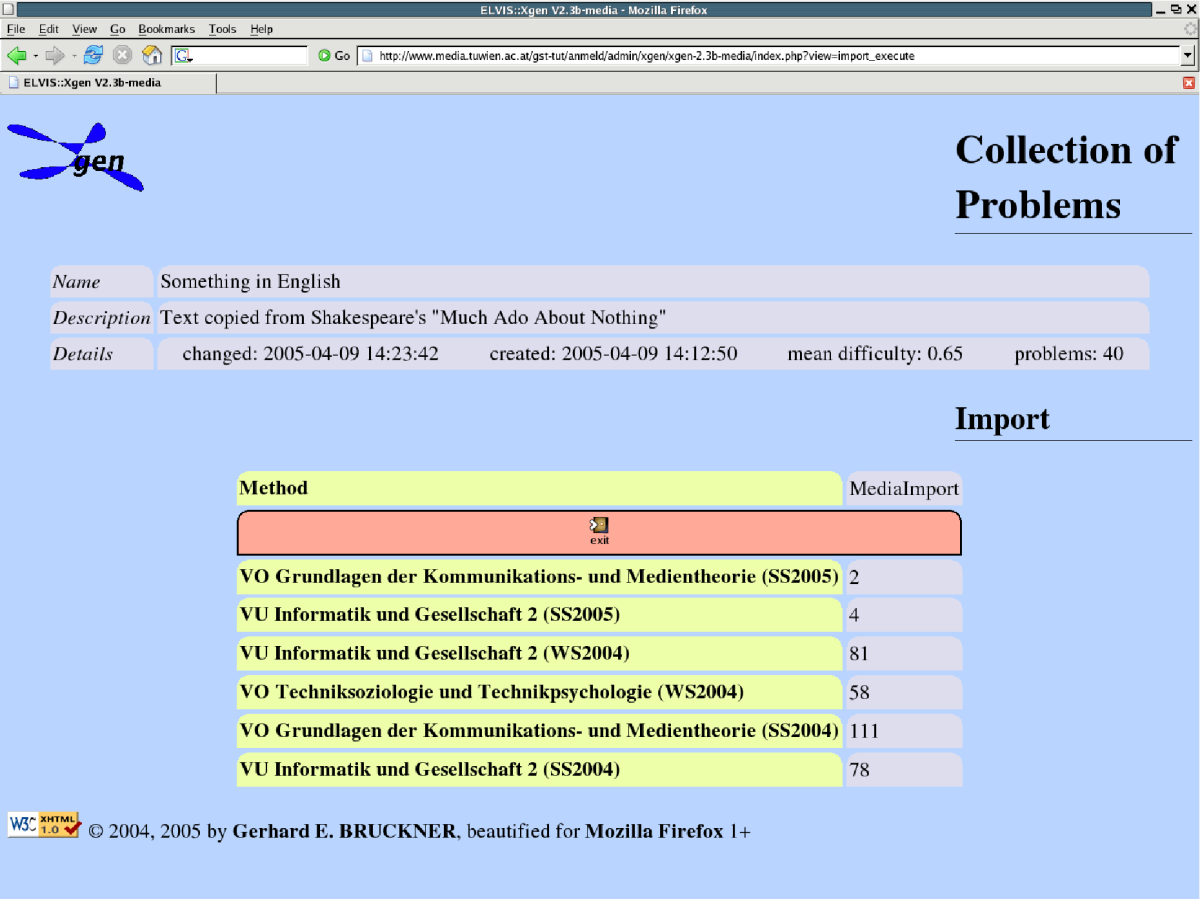
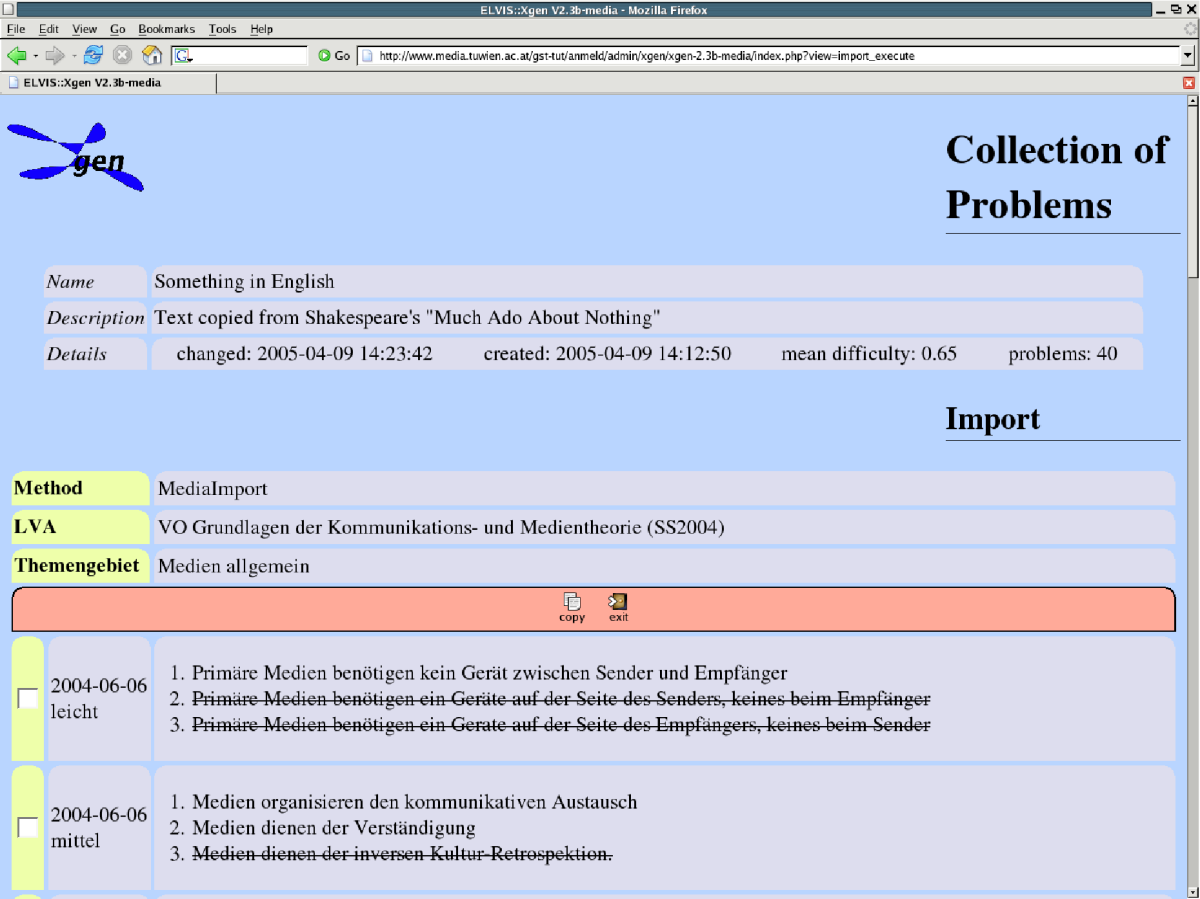
This is complemented by some illustrating screen-shots. Note that all features are accessible from and tested with standard browsers but the interfaces is beautified for Mozilla Firefox 1+ using cascading stylesheets.
 [D]
[D]
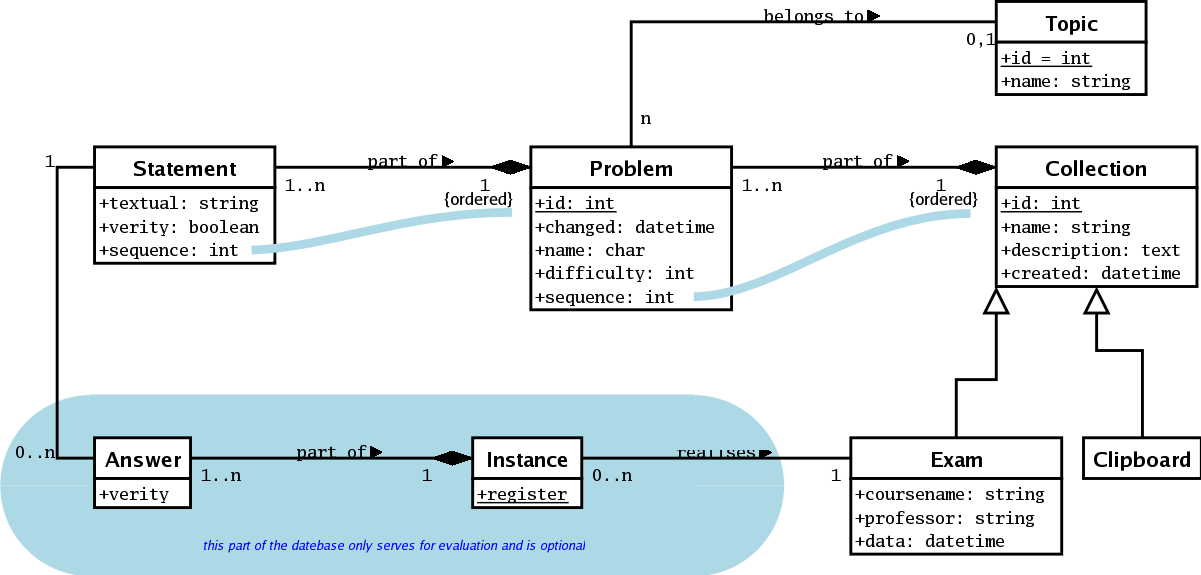
This is complemented by the class diagramme of the data model:
 [D]
[D]
Import modules are used to import problem like structures from external data sources. They are situated the imports/ directory, consist of an action class (XImportAction extends ImportAction) a business logic object (XImport extends Import) and associated views stored as Smarty templates (.tpl). In imports/media/ you can find an example (in German) which accesses a PostgreSQL database.
Export modules serve to render the XML output of a collection (object) into any other format required. The examples included (see exports/) transform the data into a specific latex document which is then converted e.g. into a PDF file. The normally consists of a php file (XExport extends Export or XLatexExport extends LatexExport) and other files like graphics to be included during transformation. Please note that the example included is not functional unless you have a database with ELVIS structure.